Case Study
This Site Is the Case Study: Designed, Directed, Measured
You're reading the deliverable. I'm a UI/UX designer with zero coding experience — I designed this site, directed Claude to build it, and shipped it in seven days. Then I watched real visitor sessions in Clarity and rebuilt the home page around what recruiters actually did. No handoff, no template: every decision is live in front of you.

A portfolio should prove capability, not describe it
A portfolio shouldn’t just showcase past work; it should prove a designer’s current capabilities. This case study shows how I take a real product from idea to live build, end to end — not a static handoff.
- Designers ship live products, then present static PDFs: the “coding hurdle” keeps most portfolios locked in exports and Figma prototypes. For my 2026 redesign, I rejected the safe route.
- Templates were out from day one: no WordPress, no site builders — a designer’s portfolio should be an extension of their craft, not a cookie-cutter theme.
- The goal: treat this portfolio as a real product launch, directing the front-end build myself to claim complete creative control over the live code.
First, I proved the hype wrong: one prompt produces slop
The hype says you can ship a finished site from a single sentence. Before committing to any process, I pressure-tested that claim — I handed Google Stitch the most generic prompt I could write, stripped of the direction I’d normally bring, just to see what AI would make of it:
"Build a single-page personal portfolio website for Tom Griger, a UI/UX Designer based in Bratislava, Slovakia. The aesthetic should feel modern, dark, refined, and quietly confident — the kind of site a senior product designer would ship."
No information hierarchy, no structural logic, no defined audience — the fundamentals I’d normally lock down first, left out on purpose. Could a vague brief alone carry the tool to a usable result?
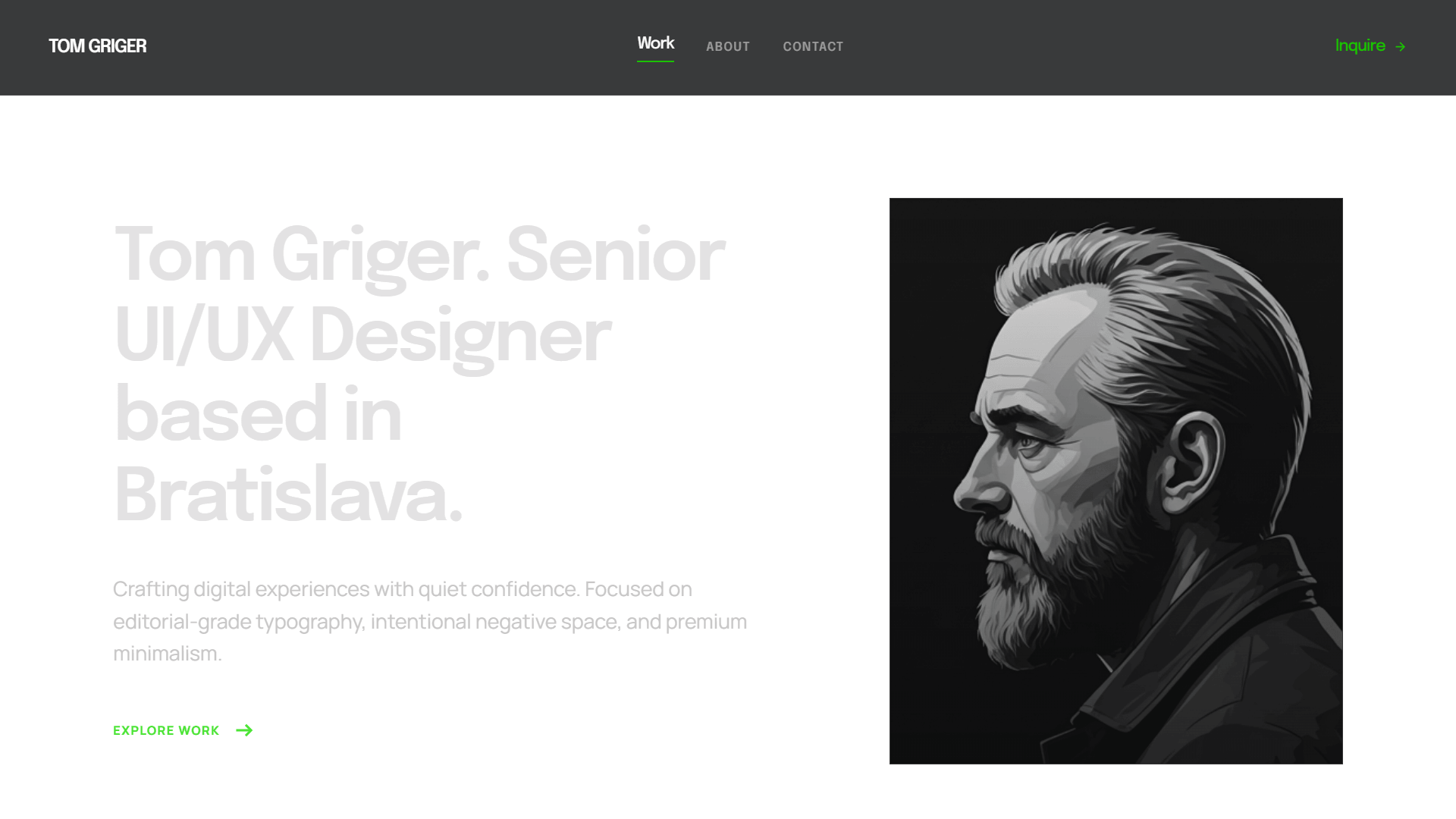
No miracle. Garbage in, garbage out: the result was AI slop — a chaotic, broken layout wrapped in generic placeholder copy. Stitch generated functional code in seconds; it just couldn’t generate the direction I’d withheld.
- AI is an engine, not a shortcut: a “magic wand” still requires a map. To guide the tool, I went back to the core framework of my career — empathize, define, ideate, prototype, test.
- The strategy: reframe the site as a conversion funnel for one specific, time-starved user — the hiring manager — and use progressive disclosure to serve data logically as they scroll.
I direct, AI executes, a second model verifies
AI absorbs the mechanical execution, which lets me focus entirely on strategy. The user journey isn’t a side-effect of the build — it is the design. My execution loop is short: I describe intent → AI proposes → I review against design taste → iterate.
Nothing ships on a single AI’s judgment — production work is cross-checked across models:
| Tool | Role on This Build |
|---|---|
| Claude Code | Primary execution. File ownership, builds, debugging, refactors. |
| Gemini | Independent verification. Cross-checks decisions from a different model’s perspective. |
And because “AI-assisted” invites a fair question — so what did you actually do? — here’s the honest split:
| I owned | AI executed |
|---|---|
| Strategy, IA, and every UI decision | Syntax, file wiring, builds |
| All copy and content design | Refactors and debugging |
| Device, theme, and accessibility QA on real hardware | Implementation proposals — each one reviewed |
| Measurement calls and every iteration | — |
Information architecture built for a time-starved hiring manager
Strategy alone wasn’t enough — the AI still needed an explicit blueprint. To turn progressive disclosure into a functional interface, I mapped a 4-tier funnel around the hiring manager’s priorities:
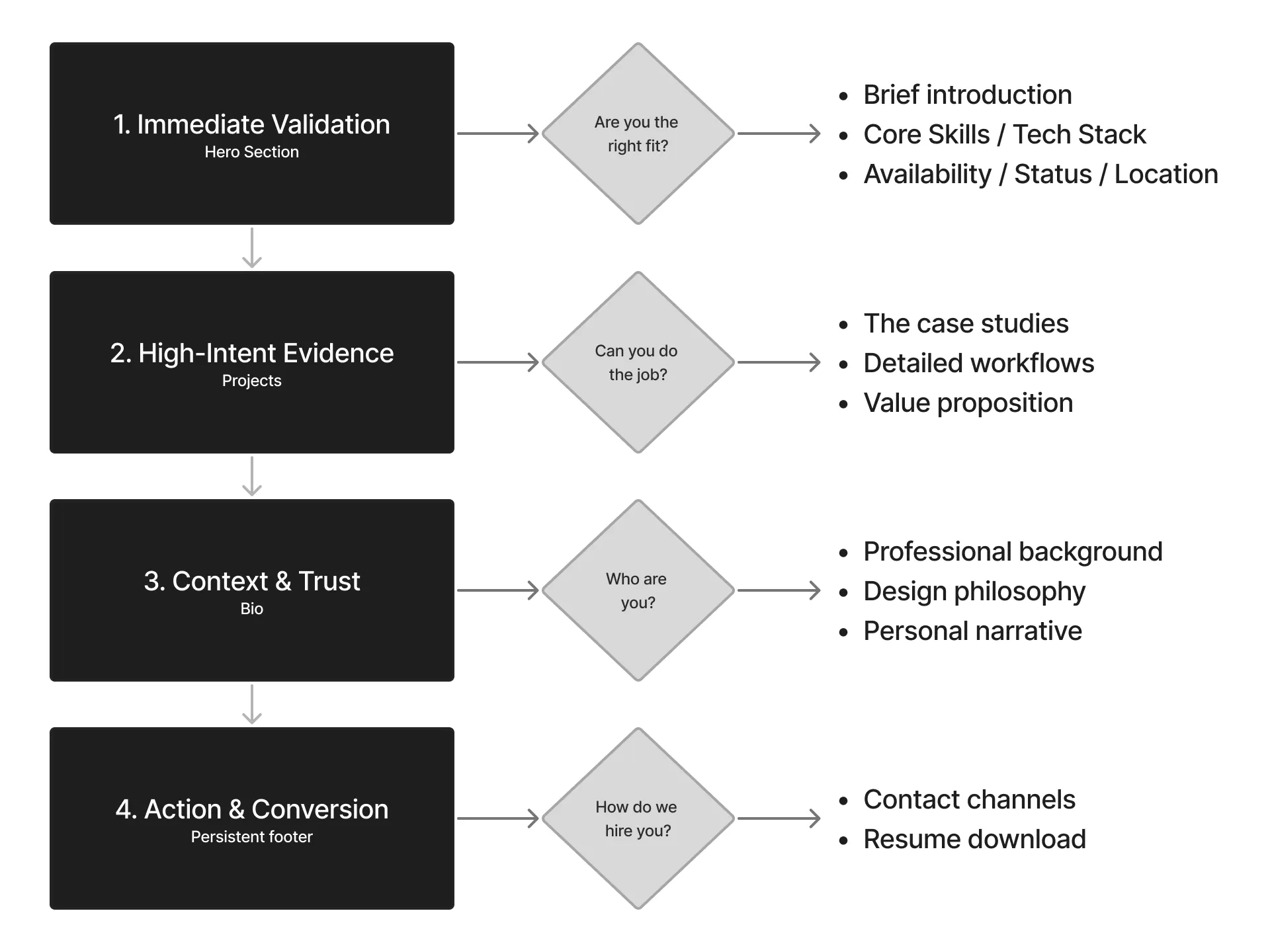
- Tier 1 — Immediate validation (above the fold): answers the critical hiring questions instantly — who I am, my core competencies, my live availability.
- Tier 2 — High-intent evidence (the project grid): proves the value proposition with deep-dive project cards focused on transparent workflows and real outcomes.
- Tier 3 — Context & trust (the bio): humanizes the data — professional background and design philosophy.
- Tier 4 — Action & conversion (the persistent footer): a clean off-ramp with direct contact channels and an immediate resume download.
Two moments where design judgment earned its keep
The surface layer — minimalist layout, restrained motion, a multi-page structure that gives each case study room to breathe — you can judge by scrolling. The work I want to show lives deeper, in moments where a decision had to be made rather than generated.
Directing the eye, not the markup. I don’t hand the AI CSS — I hand it a hierarchy decision and let it propose the implementation. This single prompt reshaped the top of every case-study page:
"Make the 'Back to projects' button at the top of the /projects pages less prominent to allow the Kicker ('Case Study') and the H1 Title to command the visual hierarchy."
The real move is restraint — demoting the right element so the page leads with what matters, expressed as intent rather than implementation.
Designing for the device that lies about itself. A hover-to-zoom affordance on project images quietly disappeared on 2-in-1 touch laptops: their hover media queries report no hover input, so the cue never rendered for users who do have a mouse. The fix detects a real mouse pointer and flags <html> for the CSS hover rule — touch and pen never qualify:
const flagMouse = (e) => {
  if (e.pointerType !== 'mouse') return;            // touch & pen never qualify
  document.documentElement.classList.add('has-mouse');
  window.removeEventListener('pointerover', flagMouse);
};
window.addEventListener('pointerover', flagMouse);
Hover media queries misreport on hybrid laptops, so the affordance silently vanished — detecting a real mouse is the inclusive fix, found only by testing on the actual device.
What shipped — verify it as you read
This portfolio isn’t a description of the work — it is the work, and every claim below is testable on the page you’re reading:
- Multi-page site — statically generated, each case study on its own route.
- System-aware dark/light mode — the right theme paints before first render, honoring the OS preference with a persisted override. Try it: toggle the theme in the nav — no flash, no reload, and the site remembers.
- Purposeful motion — a staggered hero reveal and scroll-triggered section reveals, gated behind
prefers-reduced-motion. - Built-in wayfinding — a sticky contents rail (watch it track your scroll on desktop) and screenshot lightboxes with keyboard navigation and focus return.
- Accessible by default — WCAG-AA contrast and comfortable tap targets. On a keyboard, press Tab: every focus state is designed, not browser-default.
Shipping was the experiment
A portfolio is a product, and its only job is conversion — turning a hiring manager’s scarce attention into a reply. So the day this site went live, I instrumented it with Microsoft Clarity and watched how real visitors moved through it. Then I applied to a batch of roles and read the sessions.
The data was blunt:
Visitors stayed on the home page — ~70% scroll depth and ~37 seconds of active time — and the case studies went almost unread.
- The case studies weren’t being read. A few visitors clicked in to scan and confirm the work was real — but nobody deep-dived. (Including this one — if you’re still reading, you’re the exception.)
- The home page carried everything. That’s where visitors stayed, scrolled, and made their decision.
I’d built the site assuming recruiters would explore it the way I would. They don’t. The honest read: I had about 37 seconds, on the home page, to land the entire pitch. So I made two changes and shipped them:
- A sharper hero: the top of the page now delivers who I am, the value I bring, and proof I ship — in the first seconds, before anyone decides whether to keep scrolling.
- A new “Proof” section right beneath it: the most important things I do and how I actually work, surfaced on the home page itself — so the core of my value lands without requiring a click.
Iteration also runs on subtraction. A later pass on the build found the React integration shipping ~330 KB of JavaScript to power exactly one control — the theme toggle. I had it rebuilt in vanilla JS and CSS and dropped the framework entirely.
I didn’t water down the case studies; this deep dive is still here for anyone who wants the evidence. I just stopped relying on them to make the first impression and let the home page carry it. That loop — ship, measure real behavior, iterate — is the part I’d bring to a product team. Clarity is still running, and Vercel Analytics is going in next to watch conversions more closely.
What this means for the team that hires me
The durable lesson from this build: code got cheap; judgment didn’t. The tools handled the mechanical syntax, but every decision that mattered still needed a designer.
- When code is cheap, taste is the differentiator: knowing what to amplify, what to demote, and how to direct the user’s eye is where the value moved.
- Real UX lives in edge cases: an AI won’t inherently catch a hover affordance dying on a 2-in-1 laptop, or a theme flash breaking a dark-mode preference. Owning final quality on actual hardware is design work.
For a team, the practical upside: I move from idea to working build fast, I catch the real-world edge cases most handoffs miss — devices, accessibility, theme state — and a polished, accessible result reaches users without waiting on a separate front-end pass.
If that loop is useful to your team, the contact form is one scroll away.
More projects
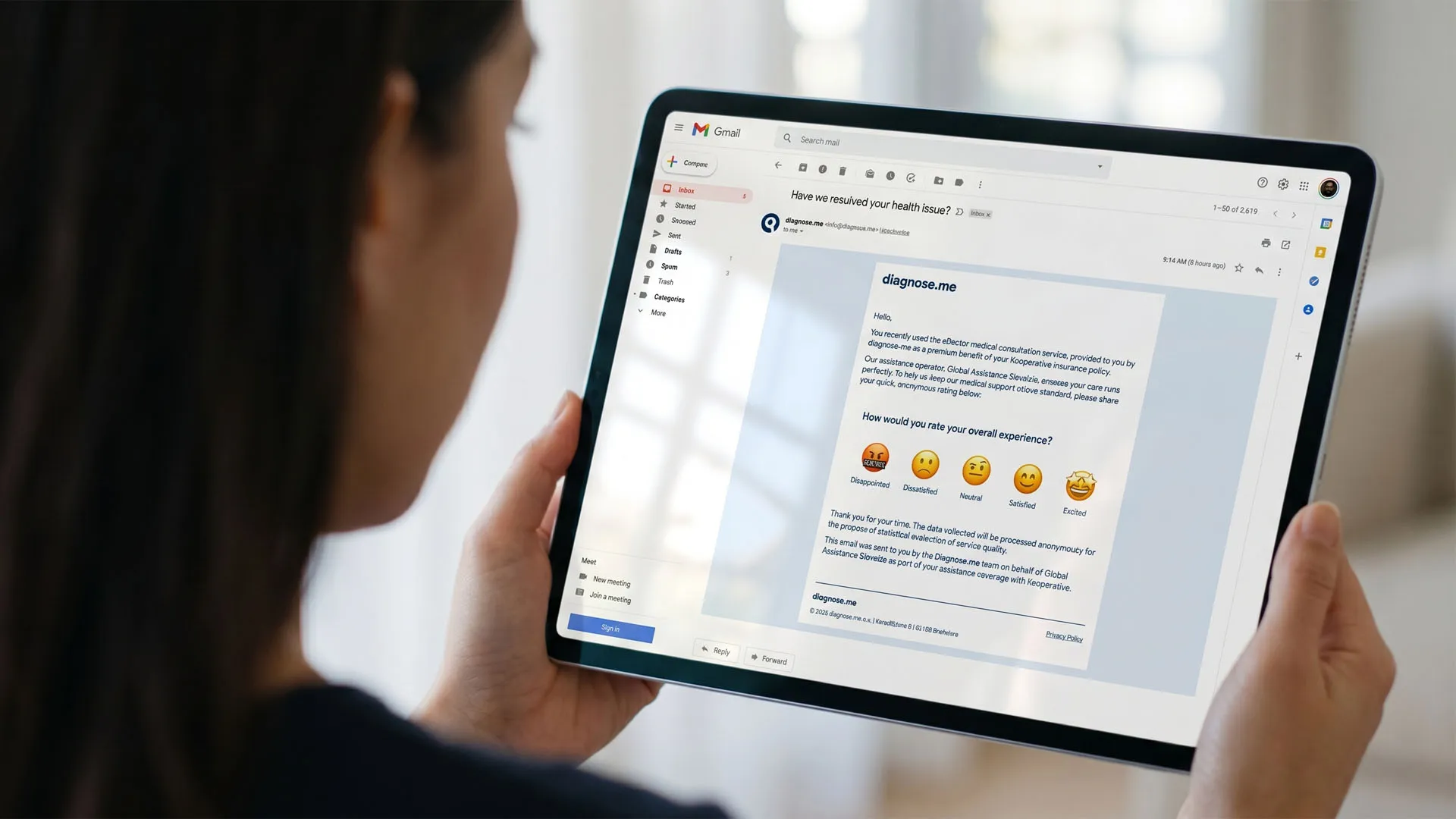
Friction to Feedback: Designing a B2B2C Reputation Engine
Handed a one-line brief, I redesigned a partner's outdated questionnaire into a 1-click email rating that routes happy users to public reviews and unhappy ones to private recovery. A proposal — and my deepest product-thinking piece.
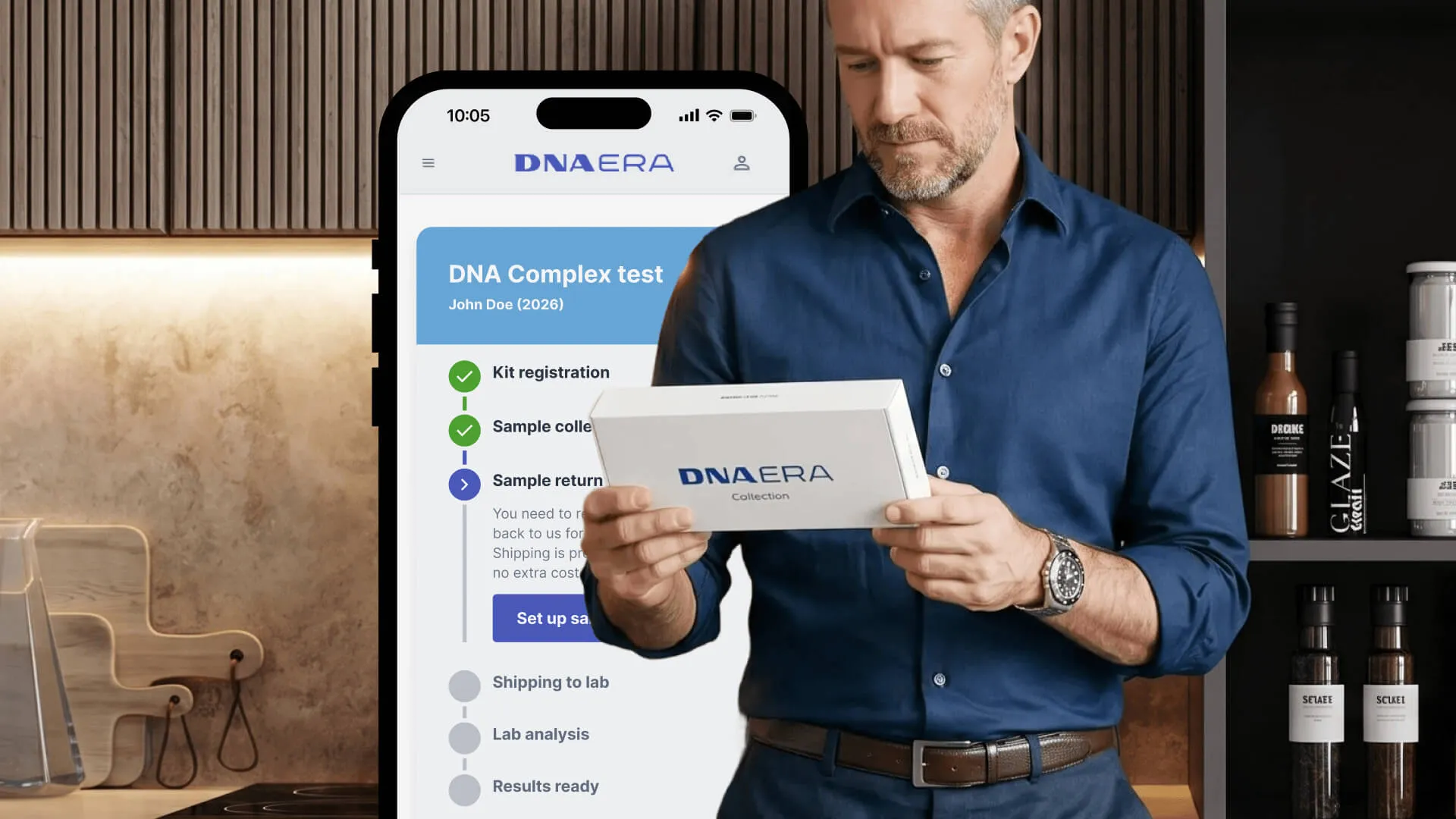
Scaling a Returns Loop Across Rural Markets
I was asked to hide a courier option in small print to protect margins. Instead, I designed location-aware routing to serve every customer ethically without breaking unit economics. A self-directed concept built from real constraint.